Access Point: tagmanager.google.com
Step 1
Sign in to “Tag Manager” using this link: https://marketingplatform.google.com/about/tag-manager/
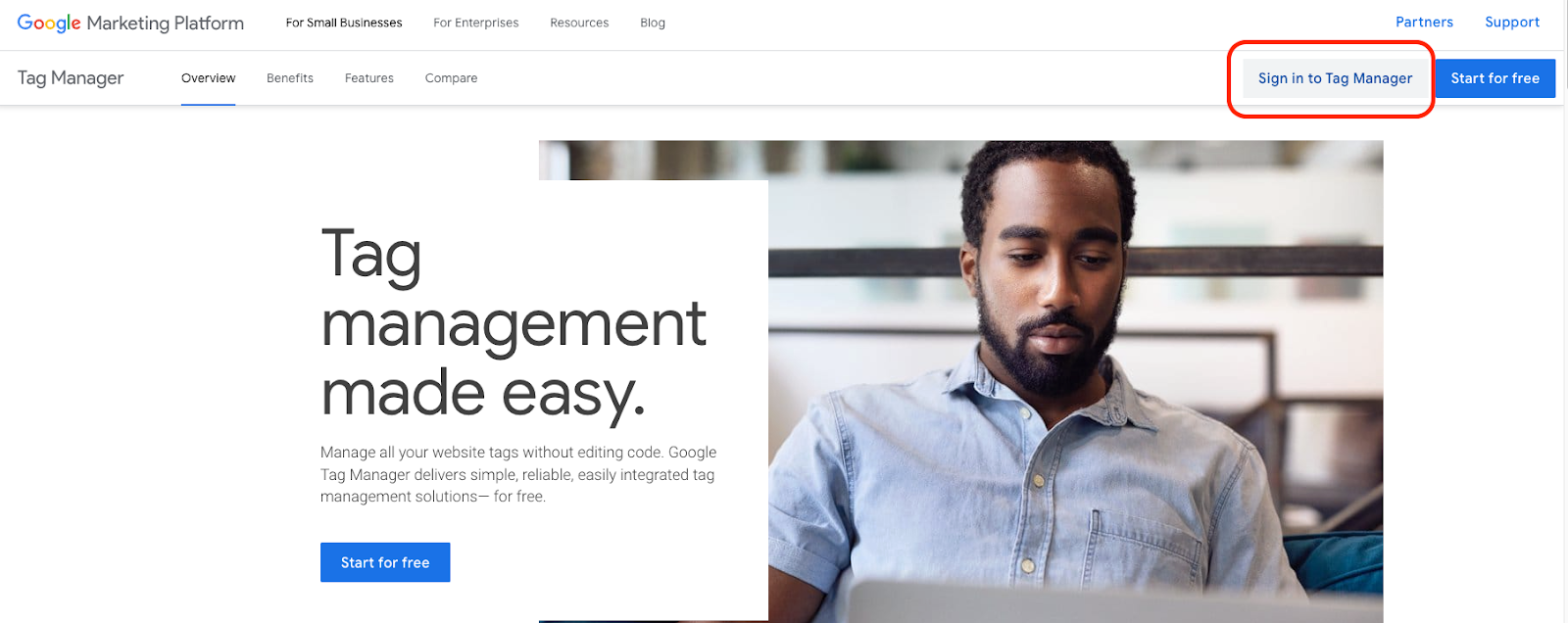
This will log you into your workspace. If you do not have an account yet, please email your account manager to help you set one up.
Step 2
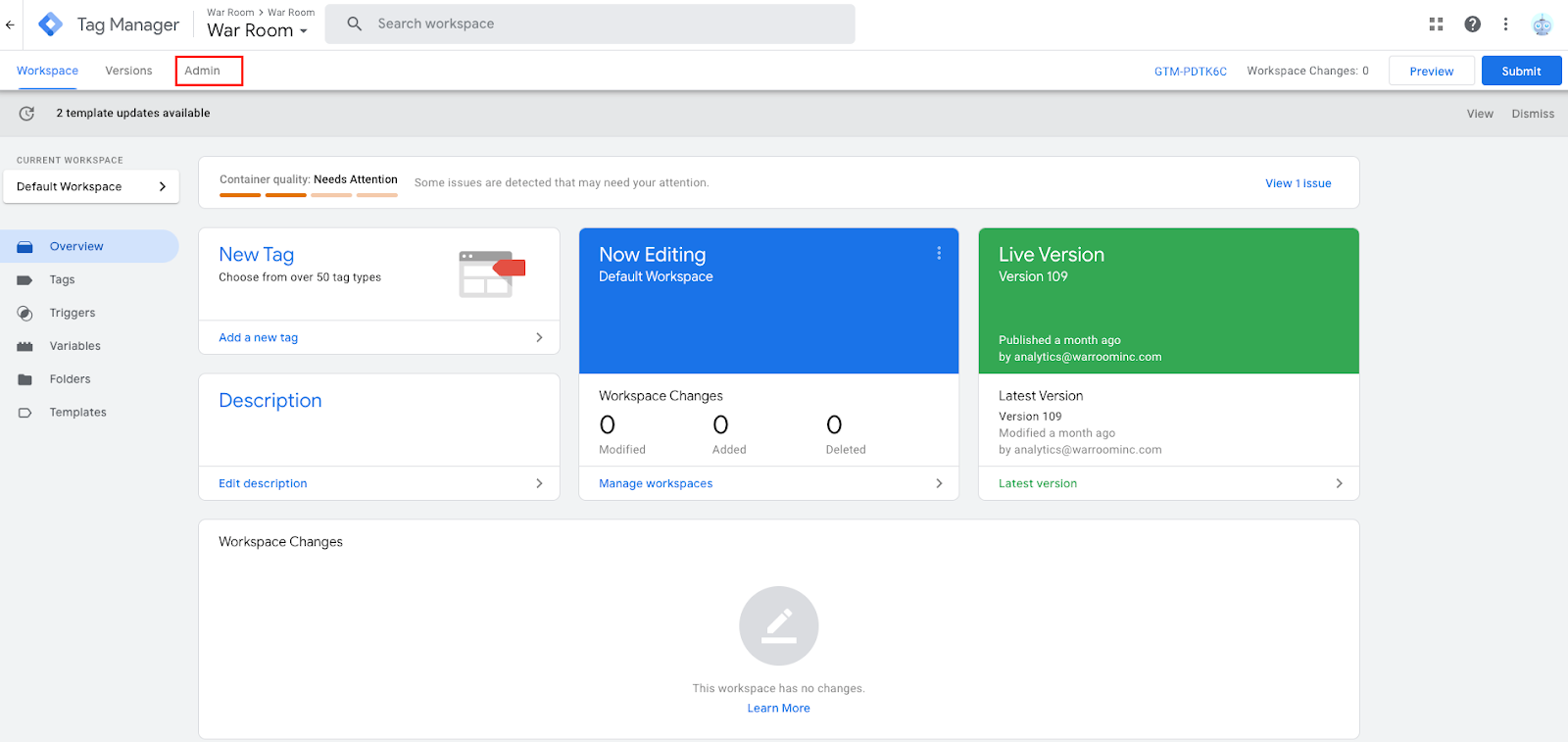
Once in your workspace, please choose “Admin”:
Step 3
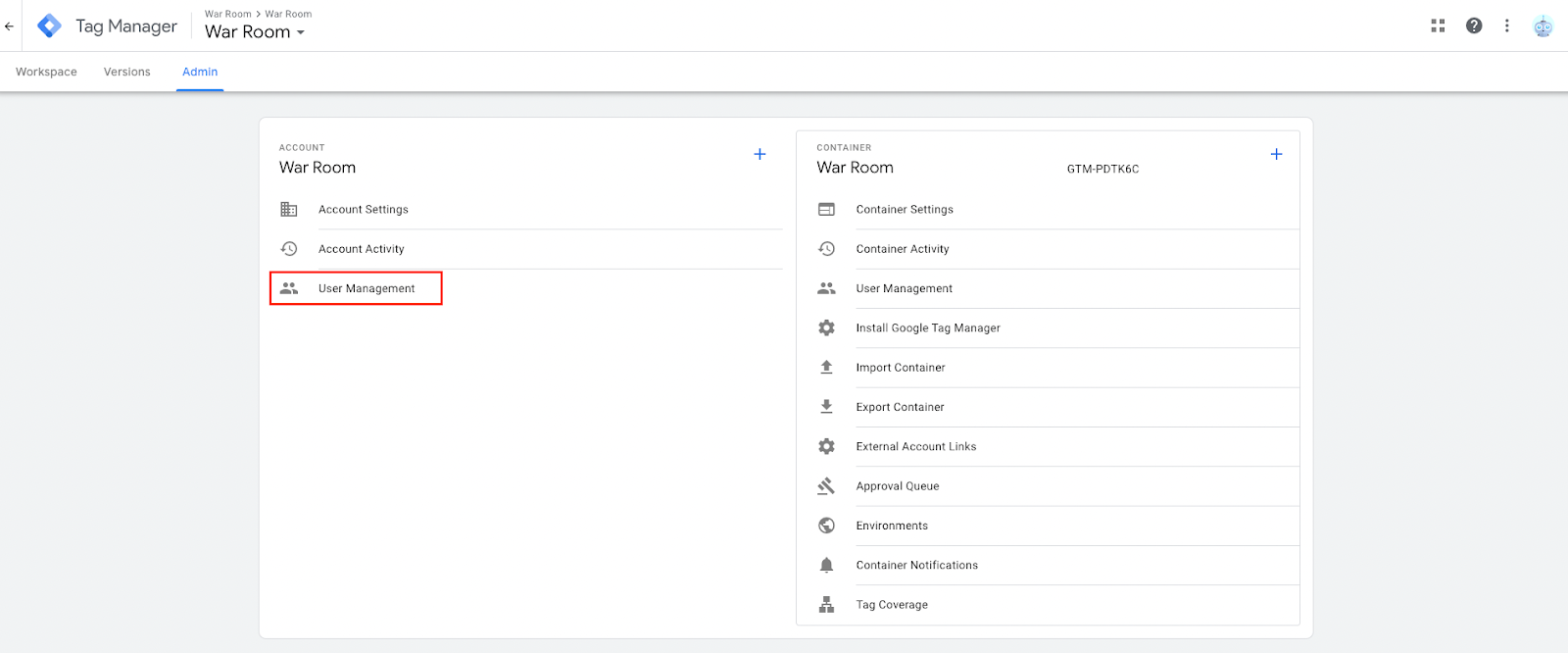
On the “Account” level, select “User Management”:
Step 4
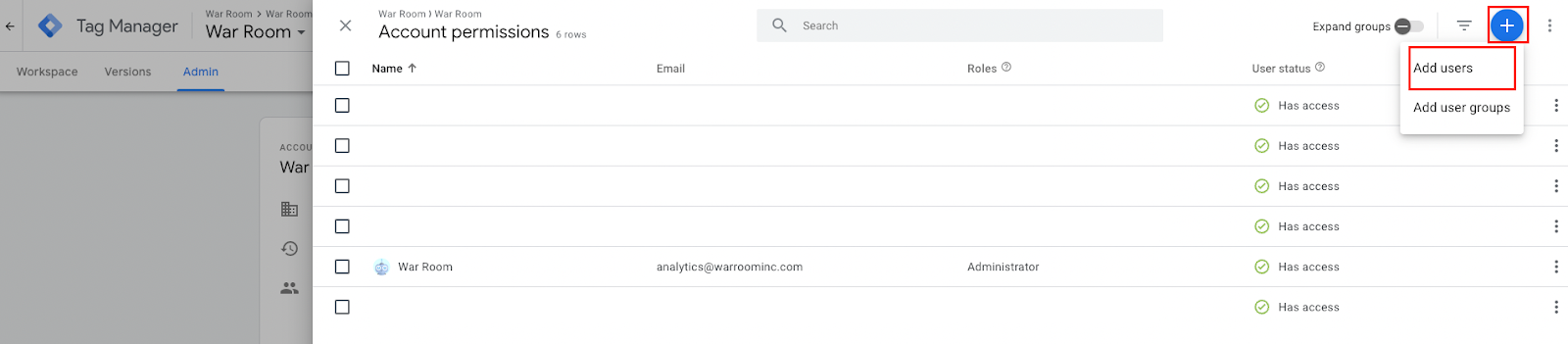
Then select the blue + button in the top right and then choose “Add users”:
Step 5
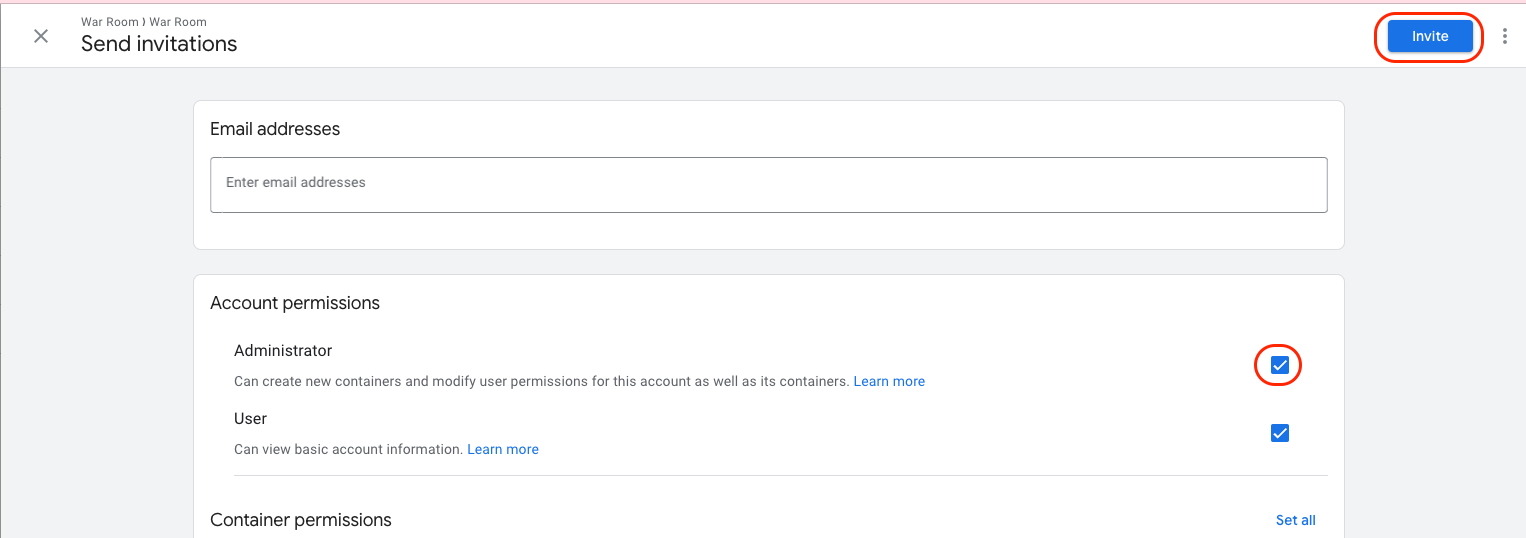
Input analytics@warroominc.com and ensure that “Admin” permission is selected. Once selected, choose “Invite”.