
Access Point: https://search.google.com/search-console/about
Step 1
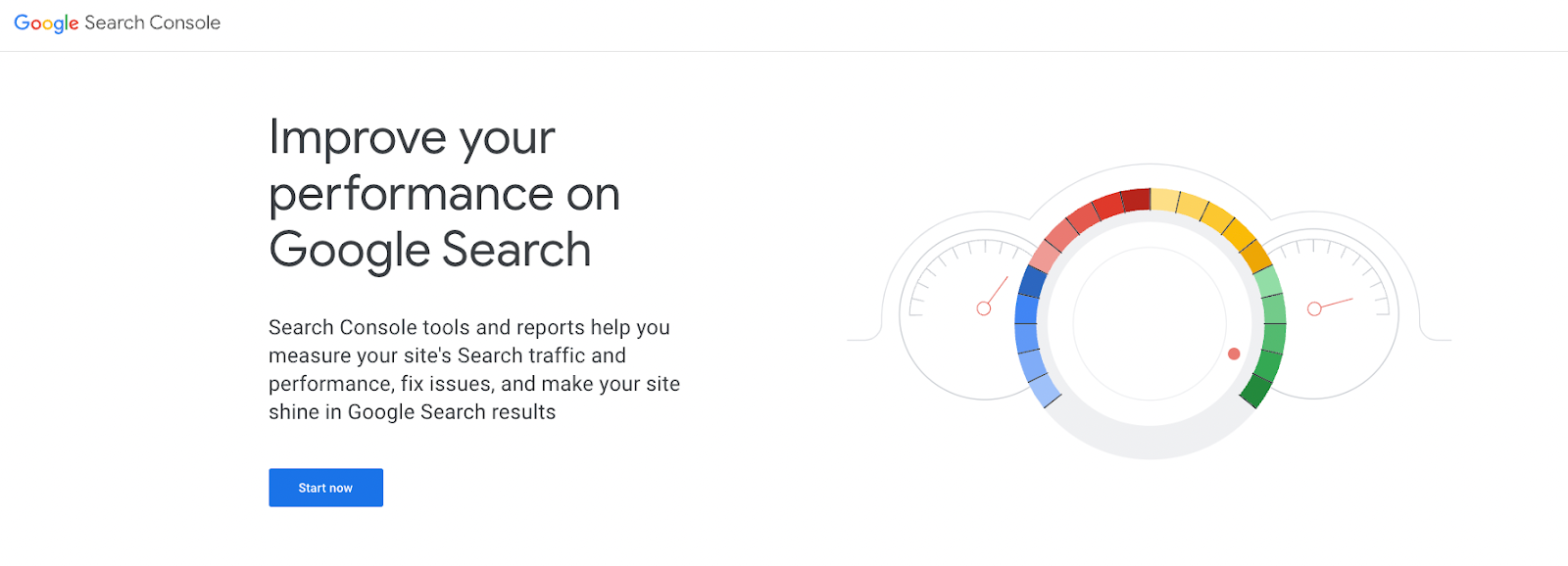
Access your business’s Google Search Console using this link: https://search.google.com/search-console/about
Step 2
Click on the ‘Start Now’ button
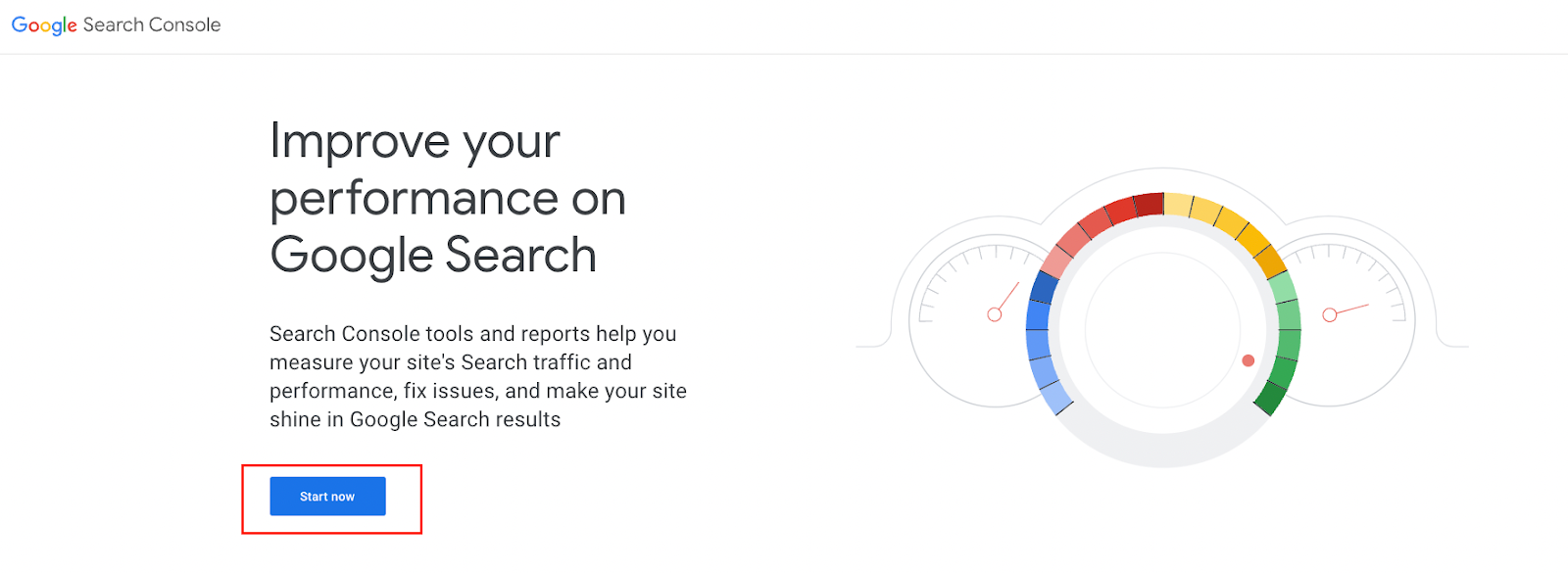
This will log you into your workspace, if you do not have an account yet, please email your account manager to help you set one up.
Step 3
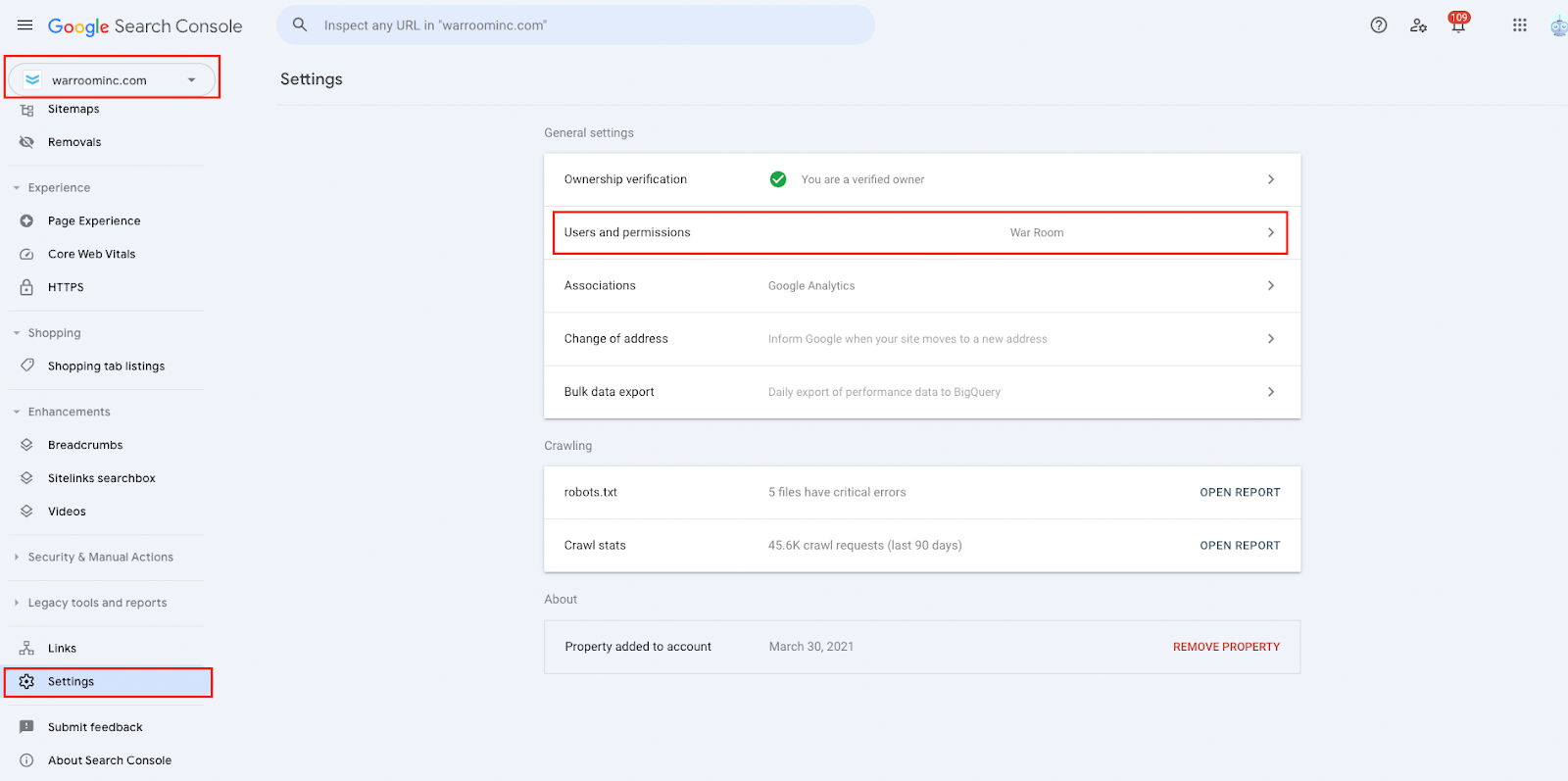
Select your website property at the top Left (example showing as warroominc.com), then “Settings” in the bottom left, and then “Users and permissions”
Step 4
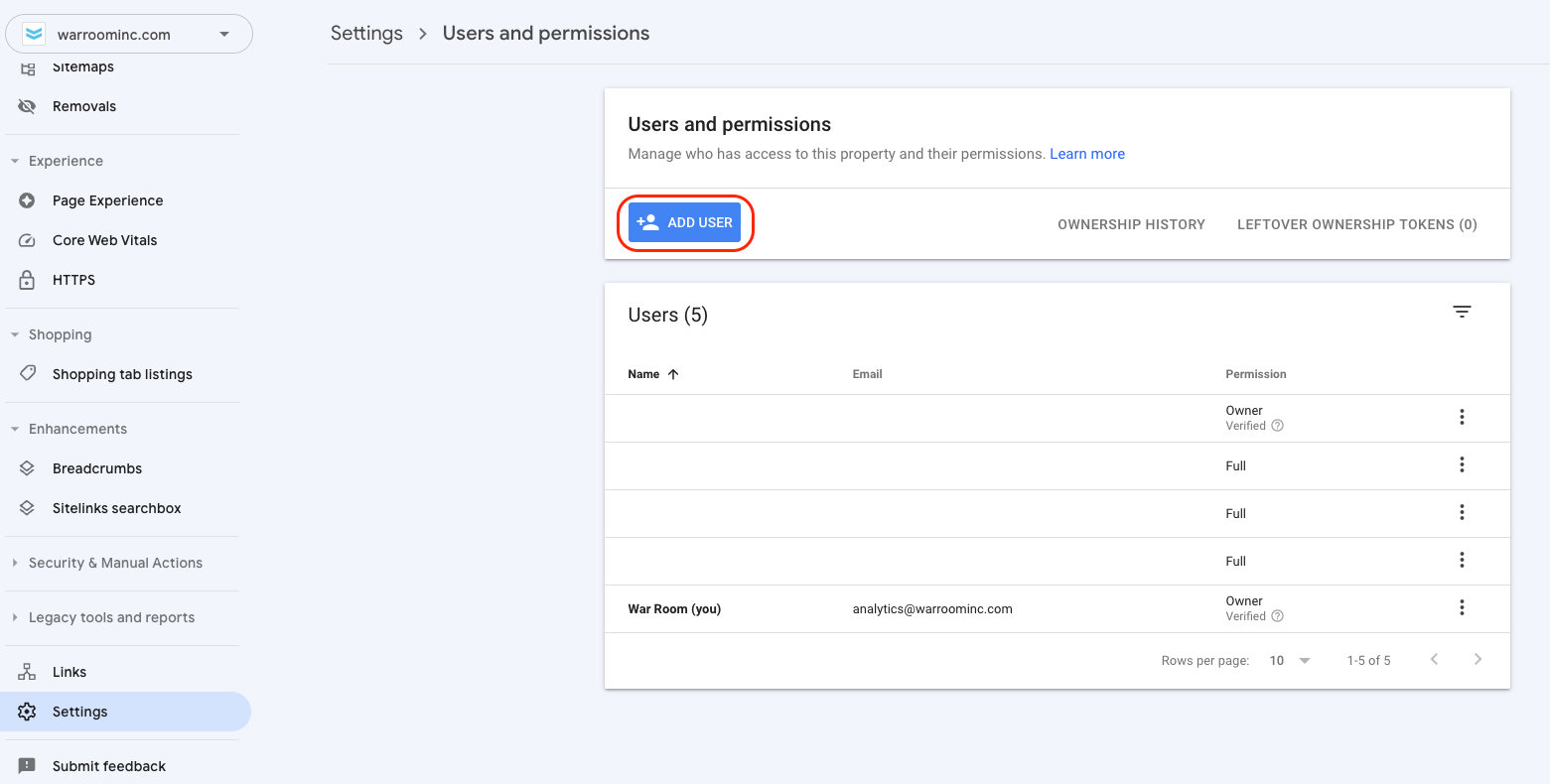
Select the “Add User” button in the center of the page
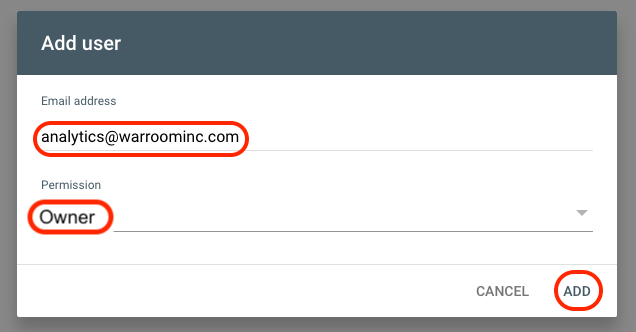
Step 5
Add <analytics@warroominc.com> with “Owner” access.
War Room will confirm if they received an email regarding the owner's access.