Step 1
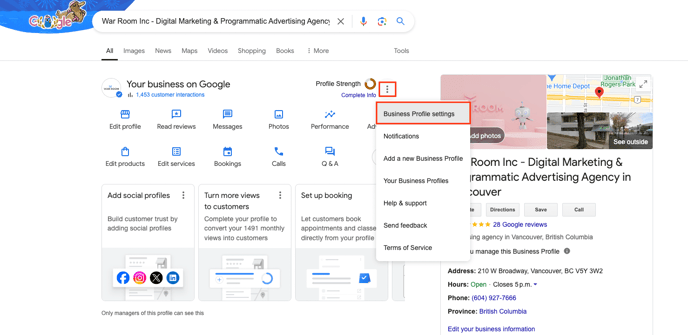
Find your Business on Google. And select Business Profile settings.
Step 2
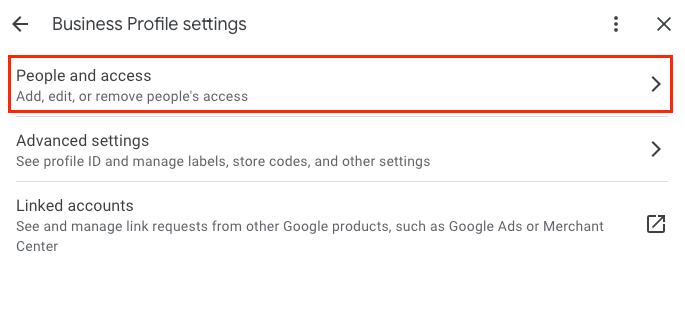
Select “People and access” once you landed on this page:
Step 3
Select “Add” under the People and access page

Step 4
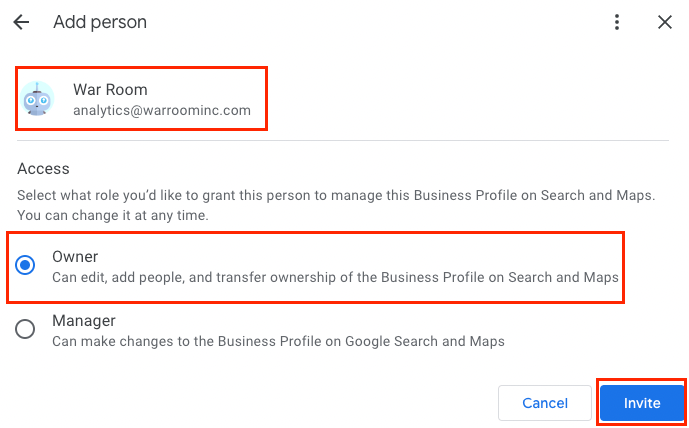
Please add analytics@warroominc.com and select, “Owner” and “Invite.” Finally, select “Done”: