
Access Point: ads.google.com
Step 1
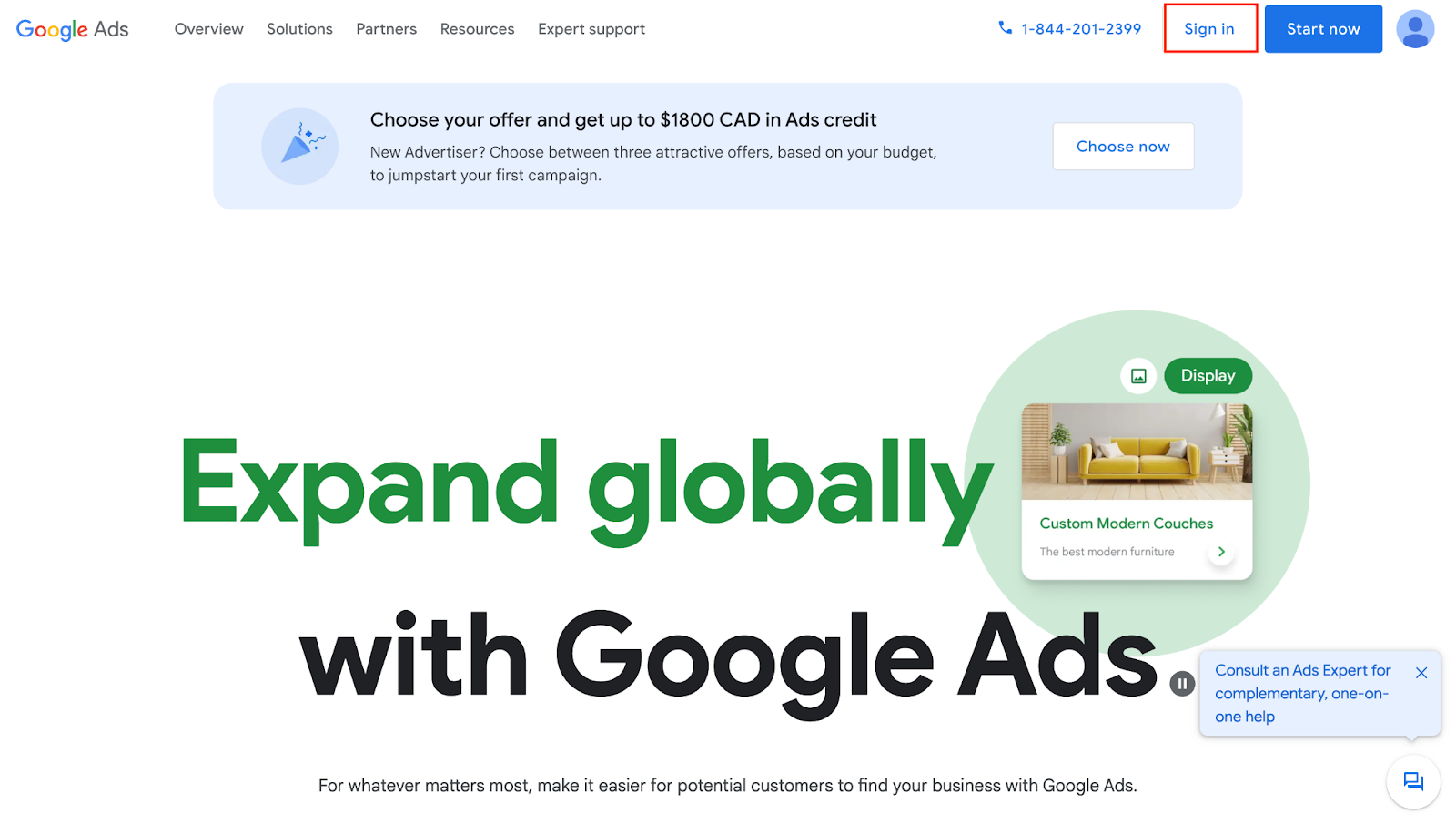
Select “Sign In” in the top right:
Step 2
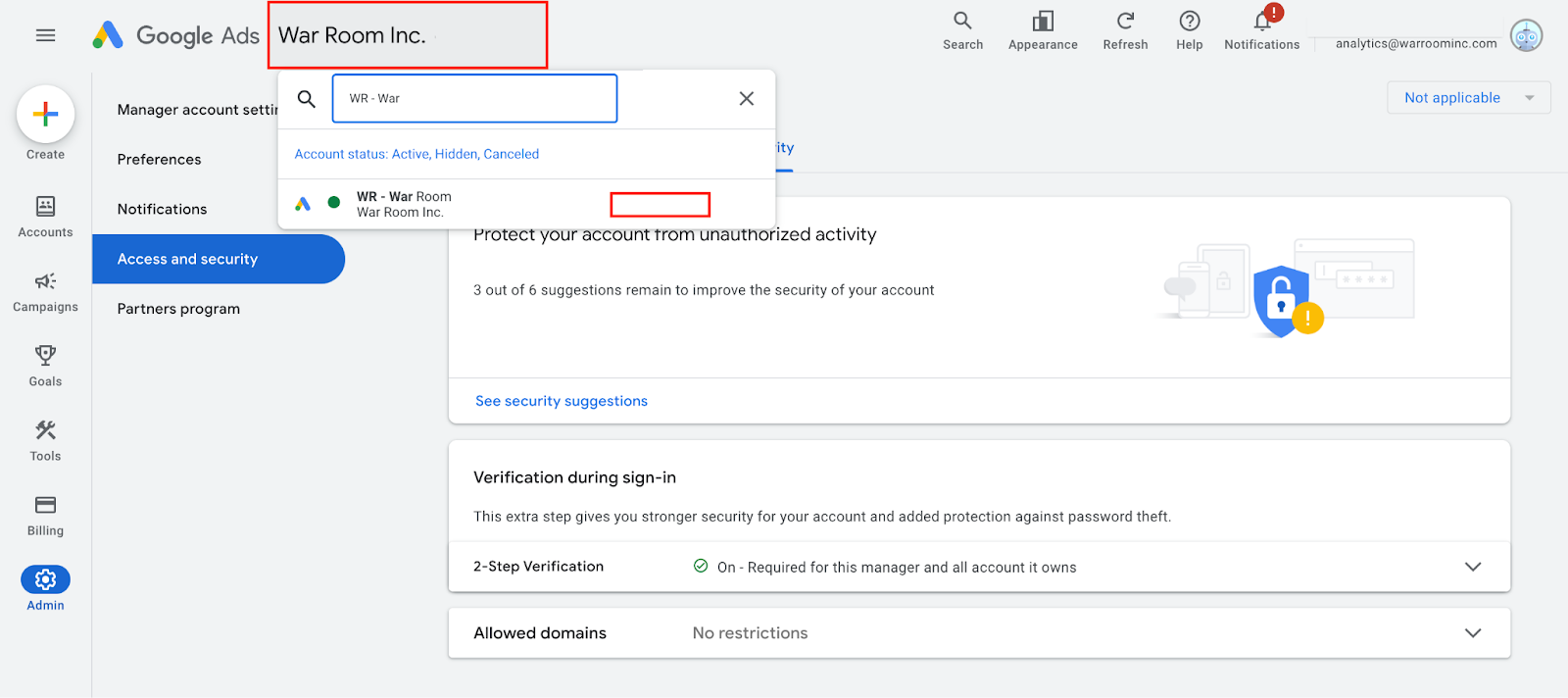
Once logged in, please email analytics@warroominc.com your “Customer ID”: #
Below is how you can access your 10 digit number XXX-XXX-XXXX, you should be able able to access it to the right of your account name (smaller rectangle on the screenshot)
Step 3
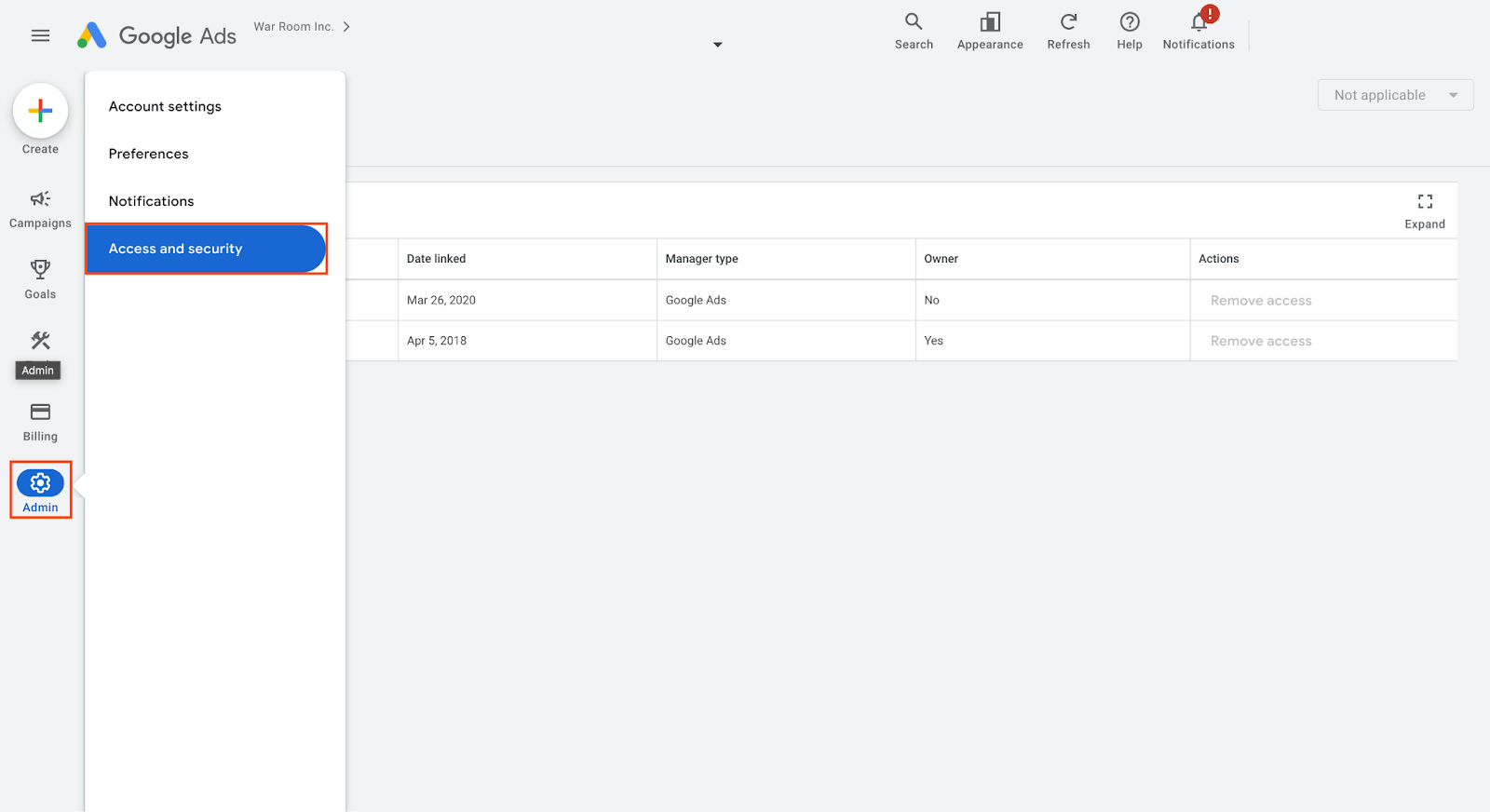
Once your account manager has confirmed they have requested access, please go into your account and select the Admin tool and choose “Accounts and security”:
Step 4
Under “Managers” ,accept link request under “Actions” and turn on “Administrative owner”:
